I read your receipts line by line, remember what things cost, and tell you when something has quietly gone up. You just live your life.

Anything can add up what you spent. Here is what I do after that.
Most appsOne line in your history: "Supermarket, 84.20".
Every item, priced and filed on its own. I remember the cheapest you have paid for a thing over the last six months and where, so you notice when it creeps up.
Most appsYou key in each expense, or import a bank feed that only knows the merchant.
Point the camera at a receipt. I read it, split it into items, convert the currency if you are abroad, and file everything into your own categories, including the ones you invented.
Most appsA form with six fields, every single time.
An amount and a name. I recognise what you bought last time and fill the category in, so logging something takes about as long as reading this line.
Most appsTell you where the money went.
I also keep the money you saved. Every discount you catch goes into an investing pool you can watch grow. I call it CresCENTO, where every cent grows: a real number instead of a nice idea.
Most appsOne monthly cap you have already blown past by the 20th.
Split what comes in into funded pockets, with smaller pockets inside them, month by month. I will tell you when the plan reaches 100%.
Fast to log, sorted without asking, and clear enough to act on.
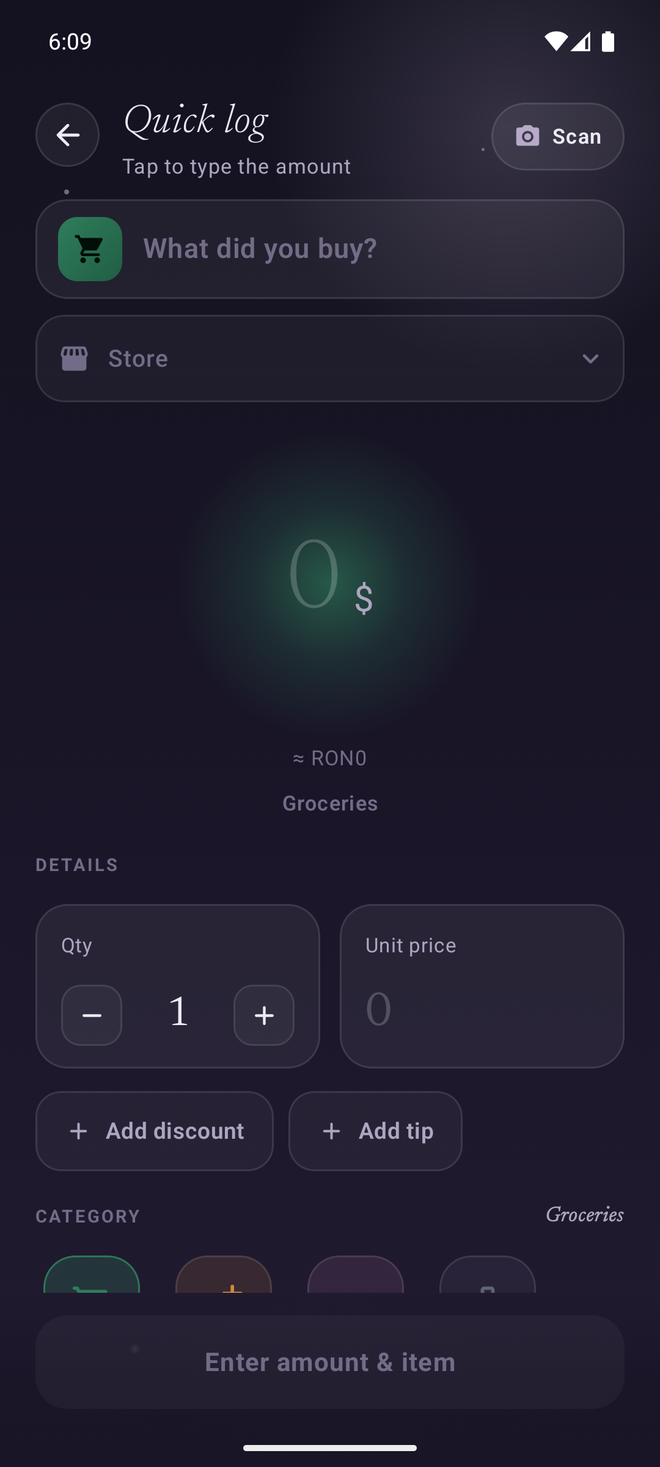
Type an amount and a name. I remember what you bought last time and fill in the category for you. No menus, no fuss.
Point your camera at any receipt. Every line is read, priced and sorted into your own categories, and each item keeps its price history so I can tell you where you last paid less. Three scans are free, then it is part of Premium.
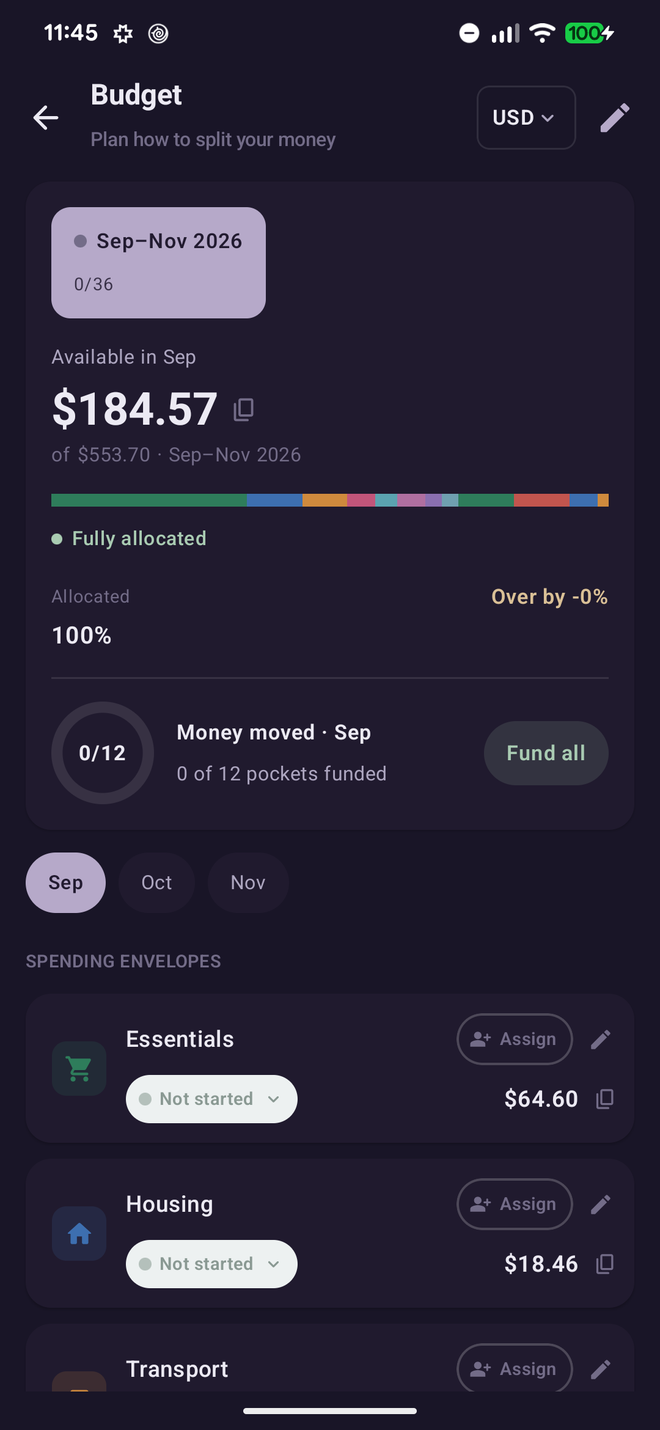
Split your income into funded pockets. Watch the plan reach 100%, keep a safety fund, and know that nothing is unaccounted for.
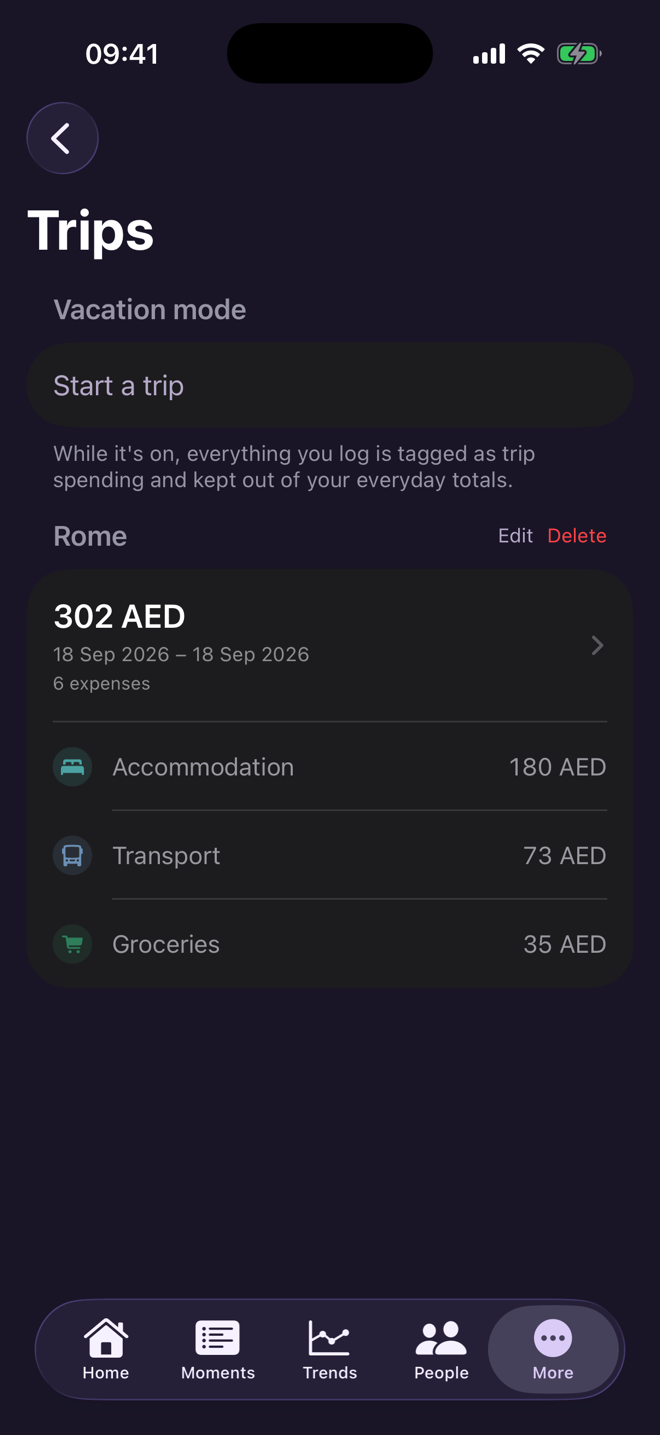
Turn Vacation mode on when you leave. Everything you log is tagged as trip spending and kept out of your everyday totals, so September does not look like a disaster because you went to Rome. Your categories change too: the daily ones step aside and the trip ones come forward.
Turn it off when you are home and I name the trip, close it for everyone in the household, and keep it with its own spending by category, next to every other trip you have taken.
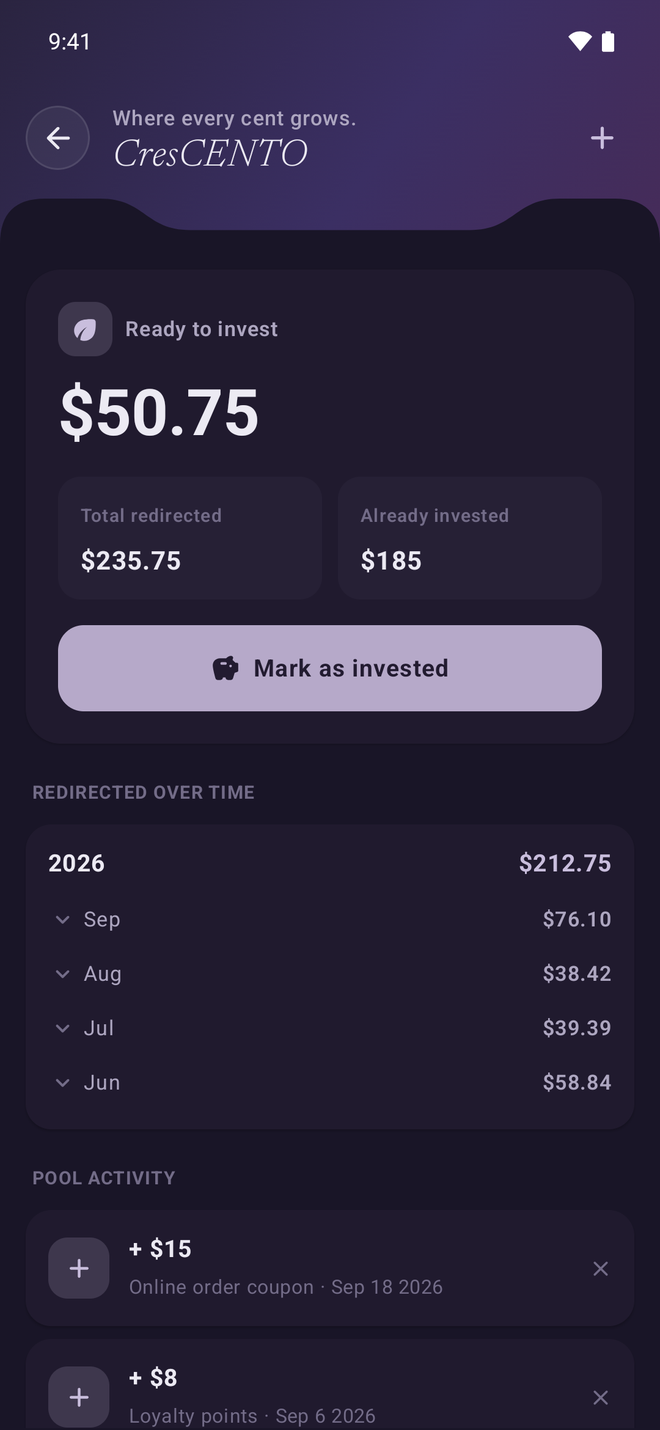
Every little discount you catch gets redirected into an investing pool. Small habits, compounded, and tracked over time.
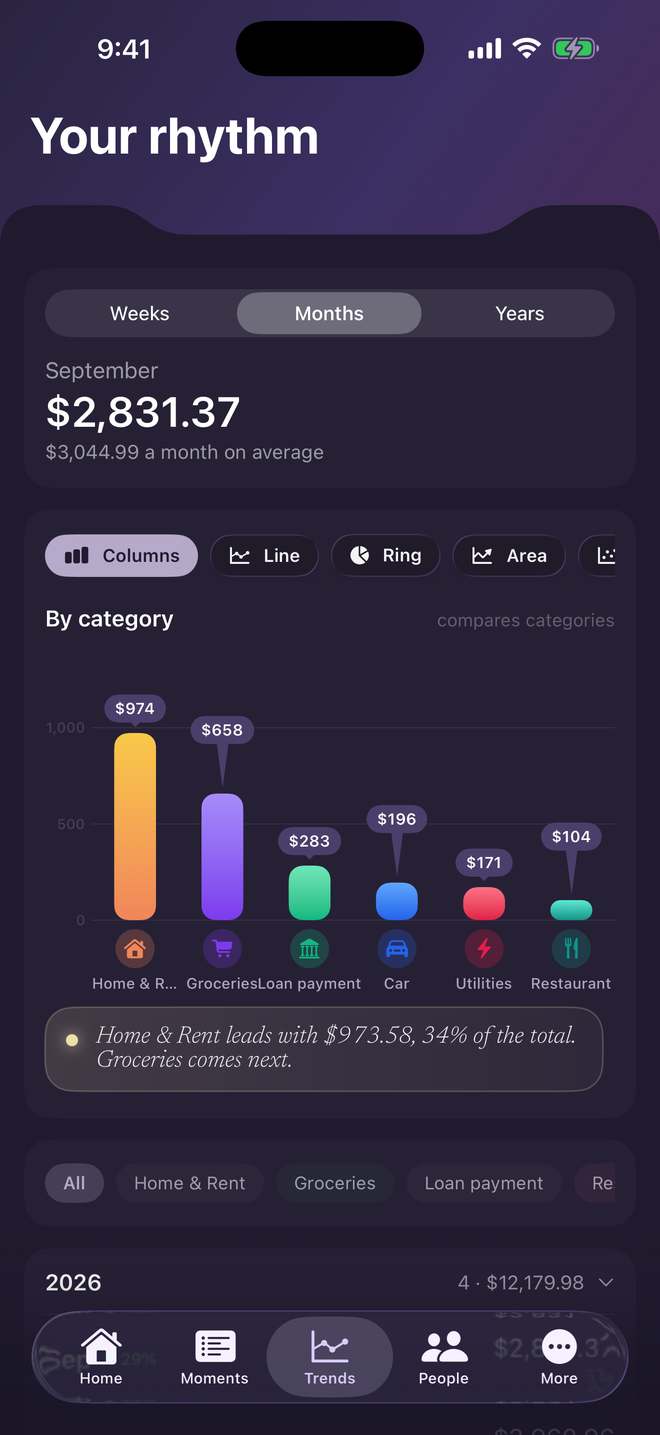
Line, bars, area, donut, scatter, radar, gauge and heat map, all over the same numbers. Switch with one tap, move between weeks, months and years, and narrow to one person or one category. I read the chart back to you in a sentence, so you are not left to interpret it yourself.
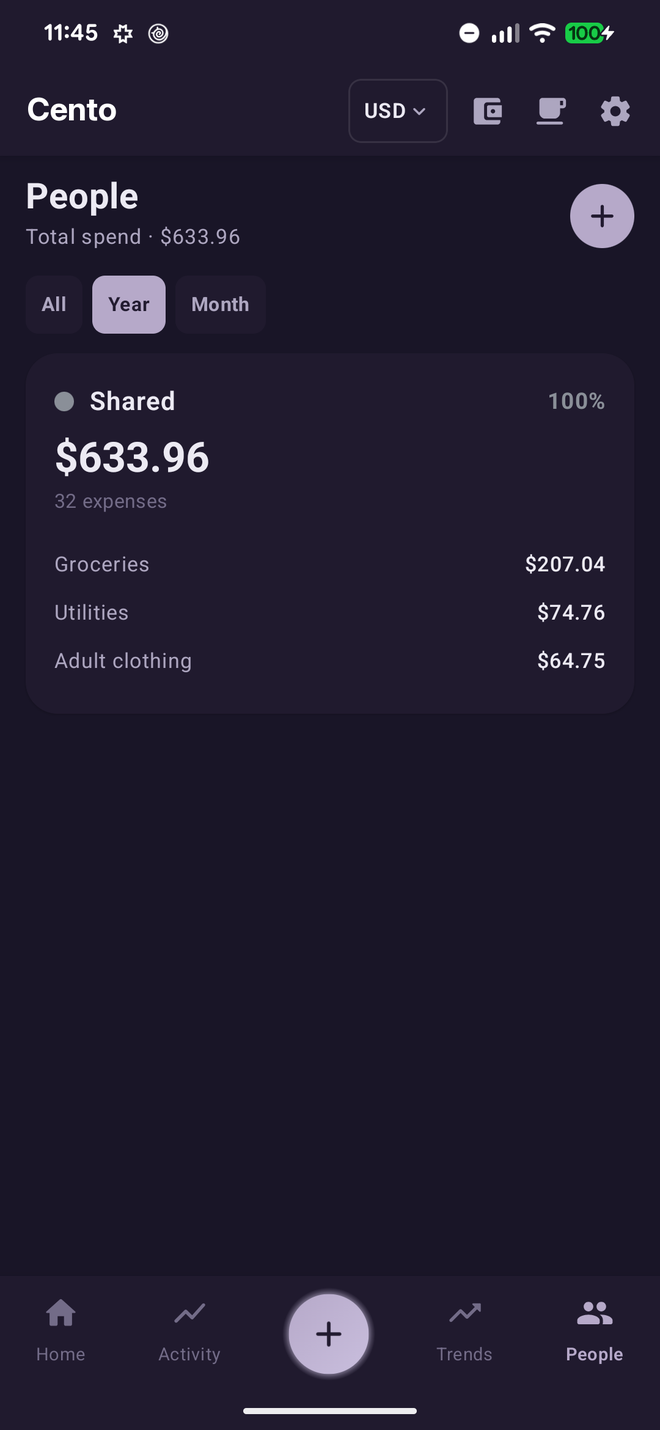
Share one household and keep everyone in sync across phones. See who spent what, or switch to view each person's money on its own. Syncing is the one part that needs an account and Premium: everything else works signed out.
Small daily savings become large sums.
Every screen is built to hand you the answer in a glance.
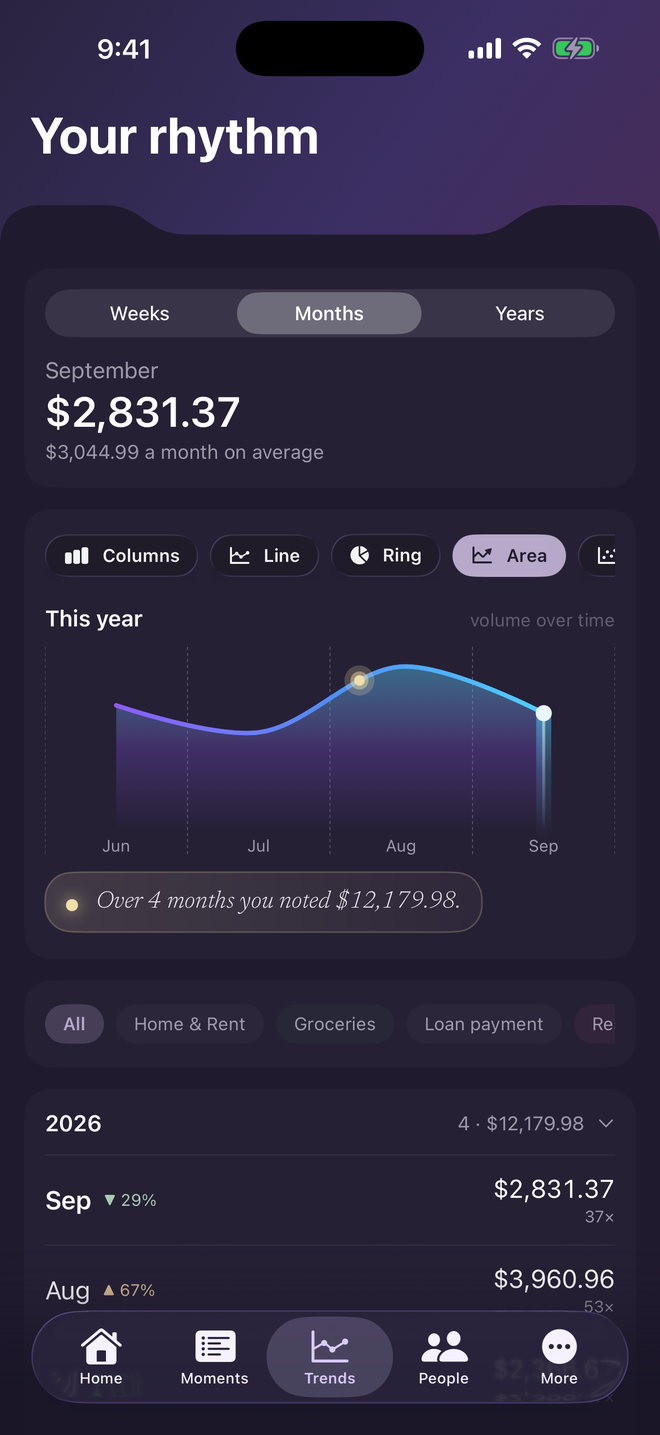
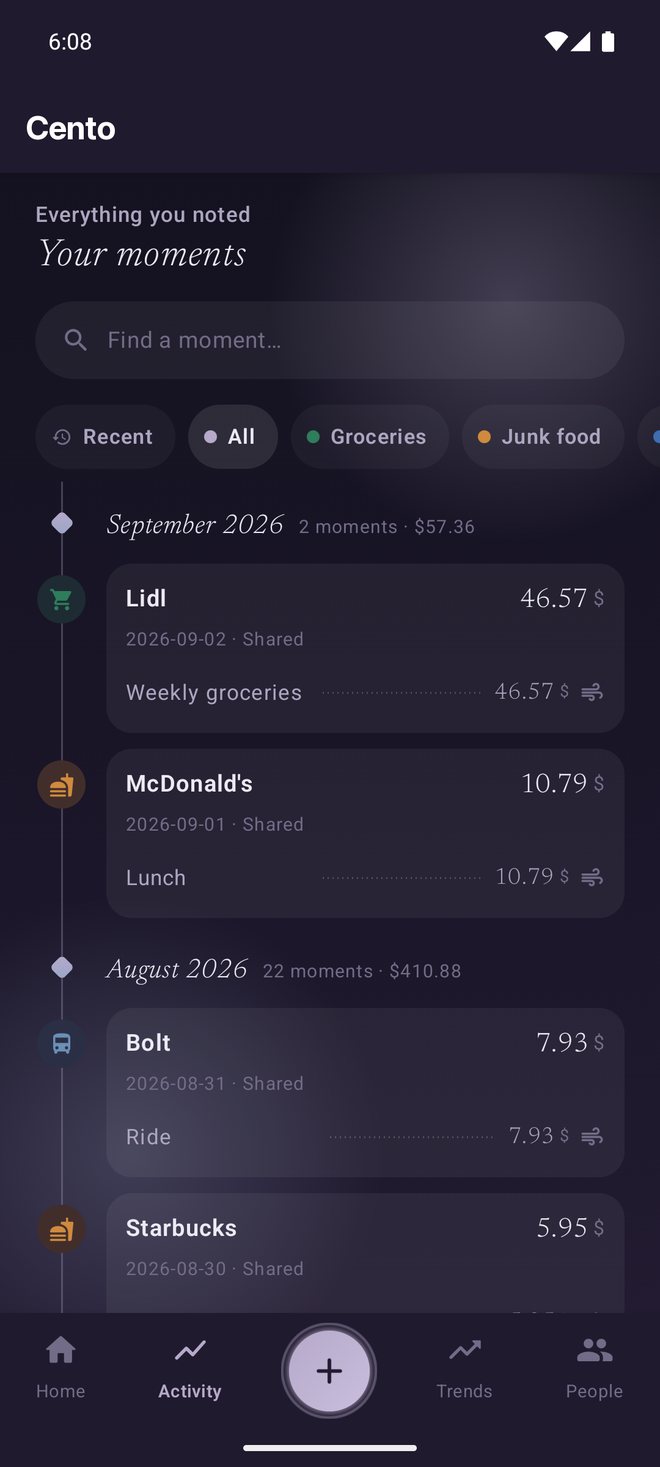
Built natively for each. Start on one phone, carry on with the other, and share a household across both.
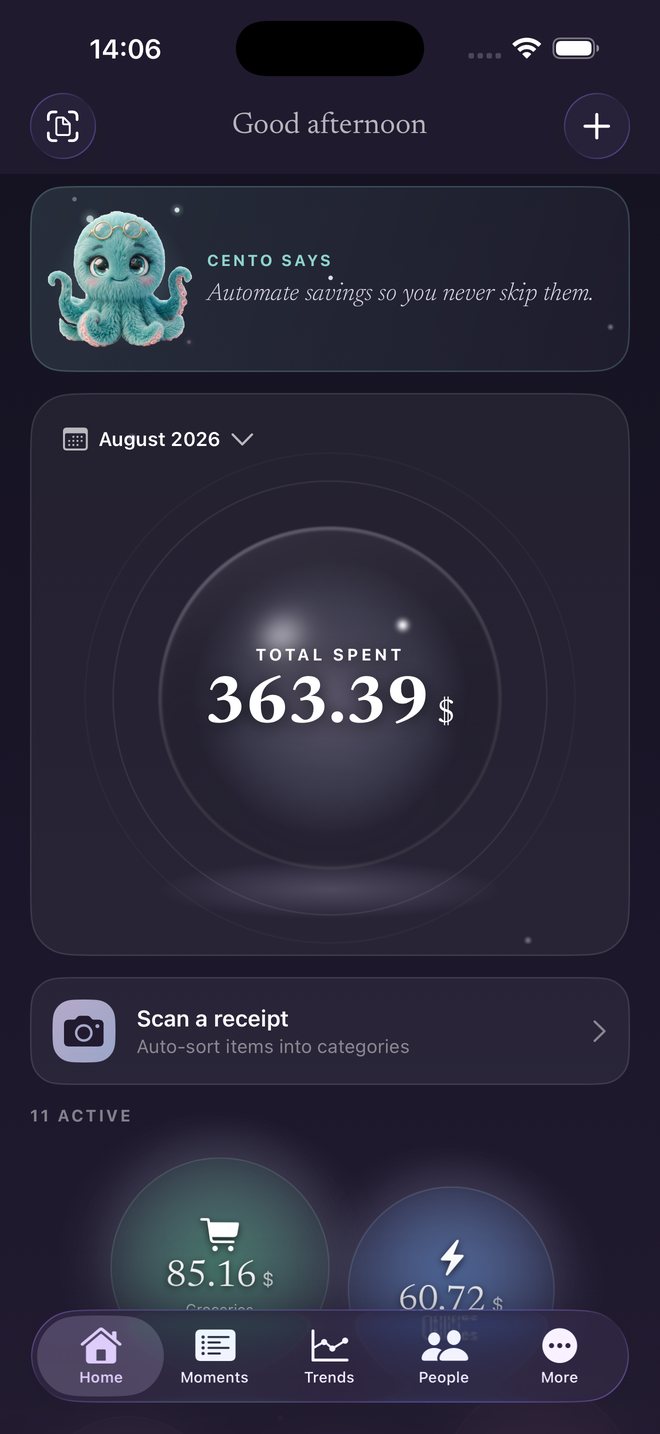
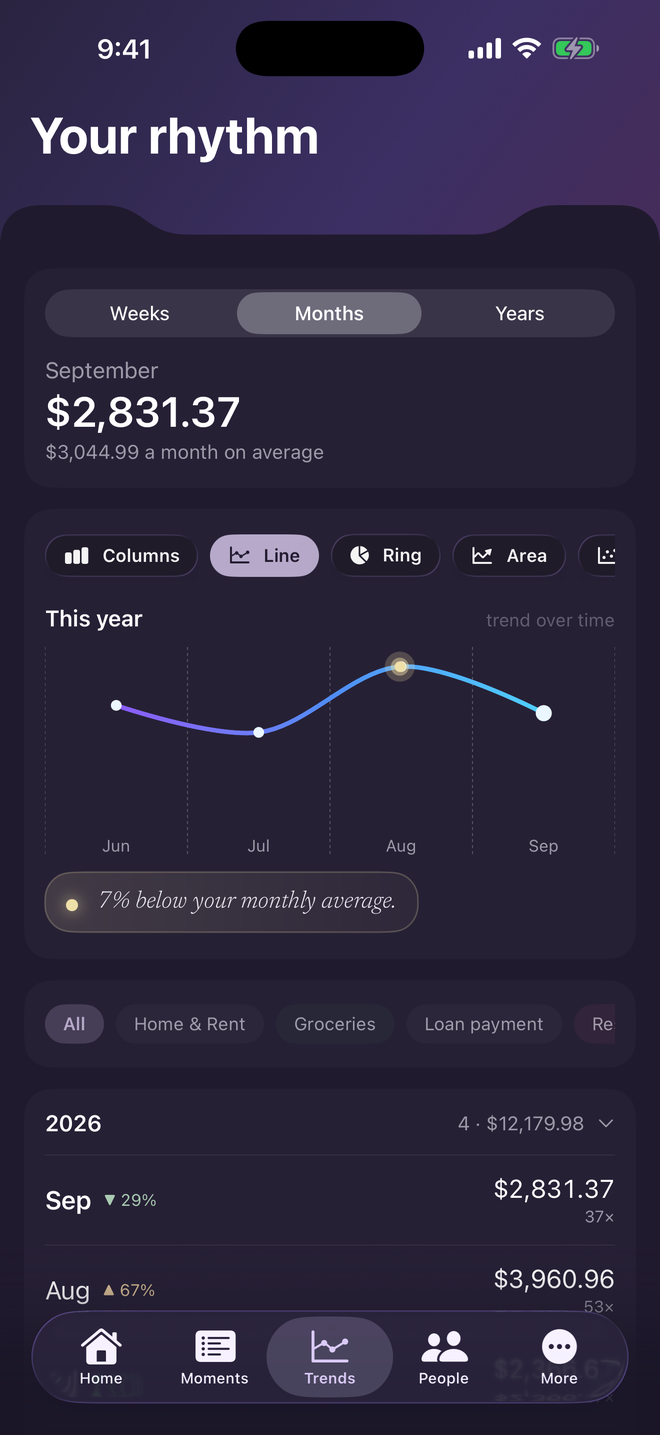
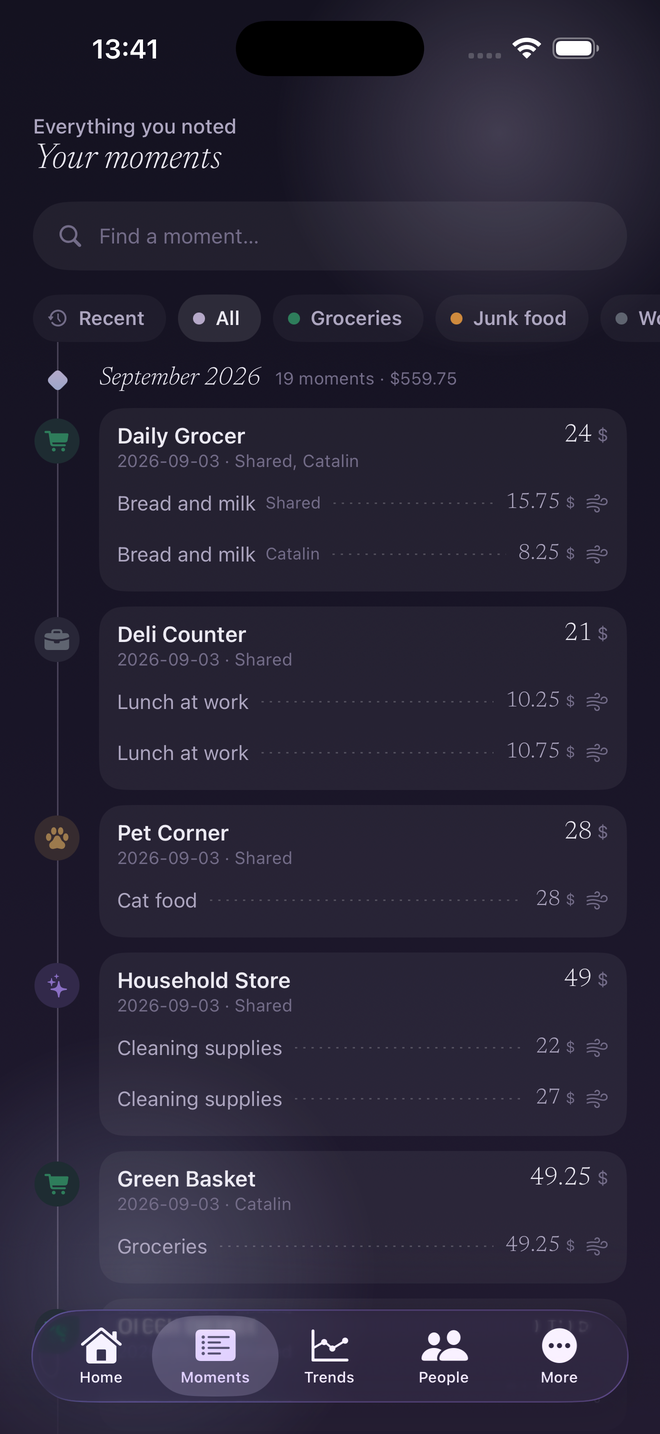
Your expenses live on your phone, and only what a feature needs ever reaches an AI, never tied to your account. The longer version is below.
On your phone. Cento is local first, which means the database on your device is the real one. Logging, budgets, CresCENTO, trips and every report work with no account and no connection.
Your expenses are uploaded only when you share a household, which syncs that household's expenses so the other members can see them. A few features send other data, when you use them or, for Premium product labelling, in the background: the AI features send what they need to be read (a receipt photo, a spreadsheet you import, the name of a category you create, or, with Premium, the names of your items so they can be labelled by kind of product), currency conversion downloads public exchange rates, the Premium screen adds to anonymous daily counts, and optional analytics, only if you turn it on, sends usage events. The privacy policy lists each one.
Sharing a household is also the answer to getting your expenses onto a second device: it needs you to sign in and to have Premium. Without an account your data stays on the one phone, so move it with a backup rather than expecting it to appear.
The photo of the receipt, and the list of your category names so the items can be filed into your own categories. That is the whole request. It carries no name, no email, no account identifier, no household and no device information.
The photo is shrunk and re-saved before it leaves, which strips the hidden metadata a camera attaches, including GPS location. What the AI does see is whatever is printed on the receipt itself, such as the shop, the time and the items, so treat a receipt the way you would treat the paper one.
No. The reading is done by Google's Gemini, which receives a receipt from Cento and has no way to tell whose it is. Nothing that identifies you is attached to the request. The reading also happens in the European Union, on Google Cloud in Frankfurt, Germany, so your receipts are not sent outside the EU to be read.
No. We do not use your expenses to train anything, and we never sell your data. We also do not keep the receipt photo or the extracted text on our servers, and the copy cached on your phone is deleted after each scan.
Without a subscription you get three scans in total, so you can try the feature before deciding. With Premium, scanning is part of your plan and there is no monthly allowance to run out of.
A daily ceiling of 60 scans applies to every account, Premium included. It exists so one account cannot exhaust the service for everyone, not to ration normal use, and it resets at midnight UTC.
The other members of that household, and only them. A household shares its expenses, people, categories and CresCENTO transfers among its members, so anyone in it sees what the others add. People outside the household cannot see any of it, and leaving a household stops the sharing from that point on.
It stays on your phone. Everything you have logged remains and everyday tracking keeps working exactly as before. What stops is the Premium part: your expenses no longer sync to the shared household, and AI scanning is no longer available. Nothing is deleted, and resubscribing picks up where you left off.
Export, account deletion and the rest are answered on the full FAQ page, also available in Română.
Log one expense and see how it feels to know. Free, no account, and I will be there whether or not you ever pay me.